Screen 1
Choose an image to prepare this screen.
Download PNGGeMarkt originals · Night & Space
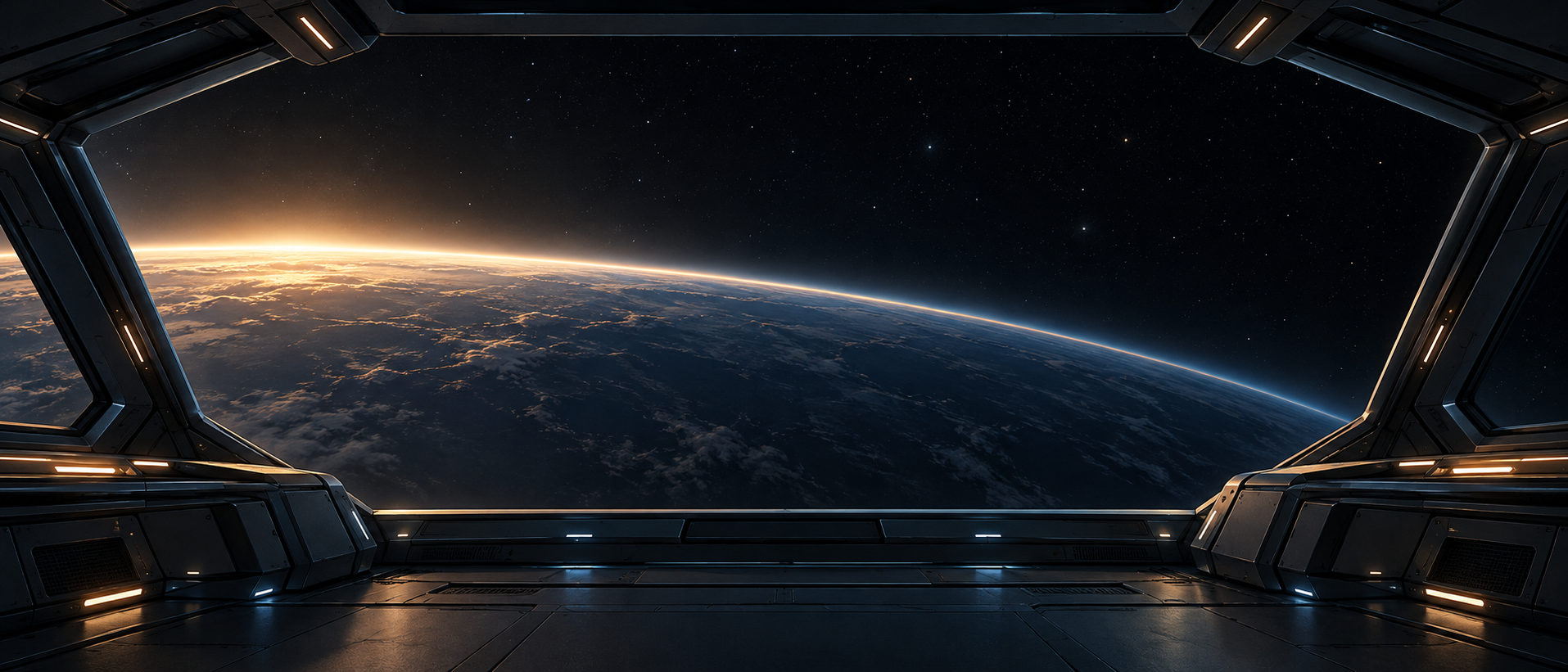
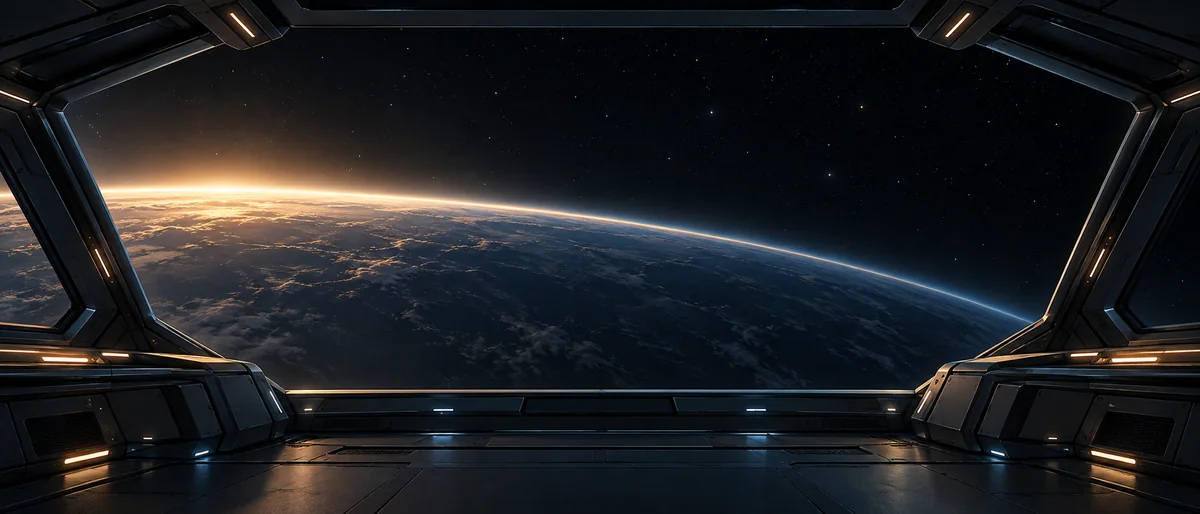
A dark, unoccupied spacecraft bridge opens through a broad angular canopy onto a curved blue-grey planet with a warm dawn rim fading toward its night side. Low side consoles and subdued amber lights frame a clear central view across the planetary arc. This original AI-created fictional panorama is supplied as a native 1915 × 821 PNG without enlargement. Keep the full-width view where possible and check individual monitor crops: peripheral cabin structures meet the image edges, while the central join contains no pillar or essential control. It is not a real mission photograph, engineering plan or guaranteed seamless multi-monitor alignment.
Download free PNG1915 × 821 px · PNG · 2.15 MB
Share this wallpaper
Copy the selected link using your browser or keyboard controls.
No account needed. The download is the full image.
These are the file’s actual dimensions, not a device preset. Compare them with your screen and check its crop before applying the wallpaper.
For your own arrangement
Choose your actual screen sizes, move the picture and create a separate PNG for each monitor. This small native source will need enlargement for most monitor pairs. About the splitter and setup instructions →
One scene, your screens
Tell us each screen’s resolution and physical size. Move one image across the preview, then save a separate PNG for each screen.
PNG, JPEG or WebP · up to 30 MB and 80 megapixels. Processing stays in your browser. Use an image you have permission to use.
No image loaded yet.
Choose an image to begin. Nothing is downloaded automatically.
Drag the image inside the preview, or use the position controls. The spaces between screens hide part of the scene, just like real bezels.
Prepare one file at a time. Changes to the image or layout clear previous download links.
Load an image to check source quality.
Choose an image to prepare this screen.
Download PNGChoose an image to prepare this screen.
Download PNGChoose an image to prepare this screen.
Download PNGDesigned for two or three flat, square-pixel screens in a row or column. This preview is not a guarantee for curved monitors or unusual scaling. Save each file, then choose it for the corresponding display in your system’s wallpaper settings. It is not one stretched “span” file.
Before you set it
Compare your monitor’s aspect ratio with this file before choosing “fill”. For two or three screens, use the splitter on this page to create separate crops. The native file is 1915 × 821 px, so larger monitor outputs need enlargement; no new detail is created.